

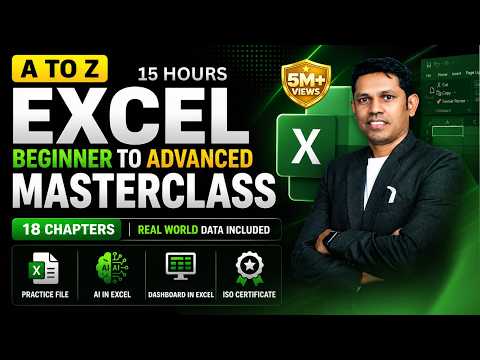
15 Hours
Lecture Watch Progress
Time Watched: 00:00 / 15 Hours
0% Watched
80% Required to Unlock Final Project
Progress auto-saves continuously while watching.
Red Marker = 80% Certification Gate
Microsoft Excel: Basic to Advanced(AI-Powered Data Analysis & Productivity)
Beginner
Instructor: Satish Dhawale
•
15 Hours
•
English
•
Project-Based • GitHub Review
Chapter Playlist (Click to Jump Video)
8 Chapters
1
Python Syntax, Variables & Primitive Data Types
0:00
2
Conditionals, Loops & Iterators
45:00
3
Functions, Scope, *args & **kwargs
1:45:00
4
Data Structures: Lists, Tuples, Dictionaries & Sets
2:40:00
5
Object-Oriented Programming: Classes, Inheritance & Dunder Methods
3:55:00
6
Error Handling, Exceptions & Context Managers
5:25:00
7
File I/O, Serialization (JSON & CSV) & Persistent Records
6:15:00
8
Capstone Project Architecture & Deployment
7:20:00
Course Overview & Syllabus
Master Microsoft Excel from beginner to advanced level through practical examples and real-world applications. This course covers essential Excel formulas, logical functions, data management, sorting and filtering, conditional formatting, PivotTables, advanced formulas, PowerPivot, and AI-powered productivity techniques.
What You Will Master
What you'll learn:
Excel fundamentals and professional data entry
Essential formulas and functions
IF, Nested IF, and IFS functions
Sorting, filtering, and data validation
Conditional formatting and data cleaning
PivotTables and PowerPivot
Advanced Excel formulas
Excel with AI and automation
Professional reporting and data analysis
Course Notes & Cheat Sheet
Quick syntax reference, diagrams, and code snippets